Shape
github.svg1 outline
Reads any SVG or PNG
Logos, icons, wordmarks. Every shape is found, holes kept and stray pixels ignored, so you never redraw a path.
Free, and nothing leaves your browser
Drop in an SVG or PNG and get it back in glass, metal or colour. Export a PNG for your designs, a GLB for three.js or an STL for print.
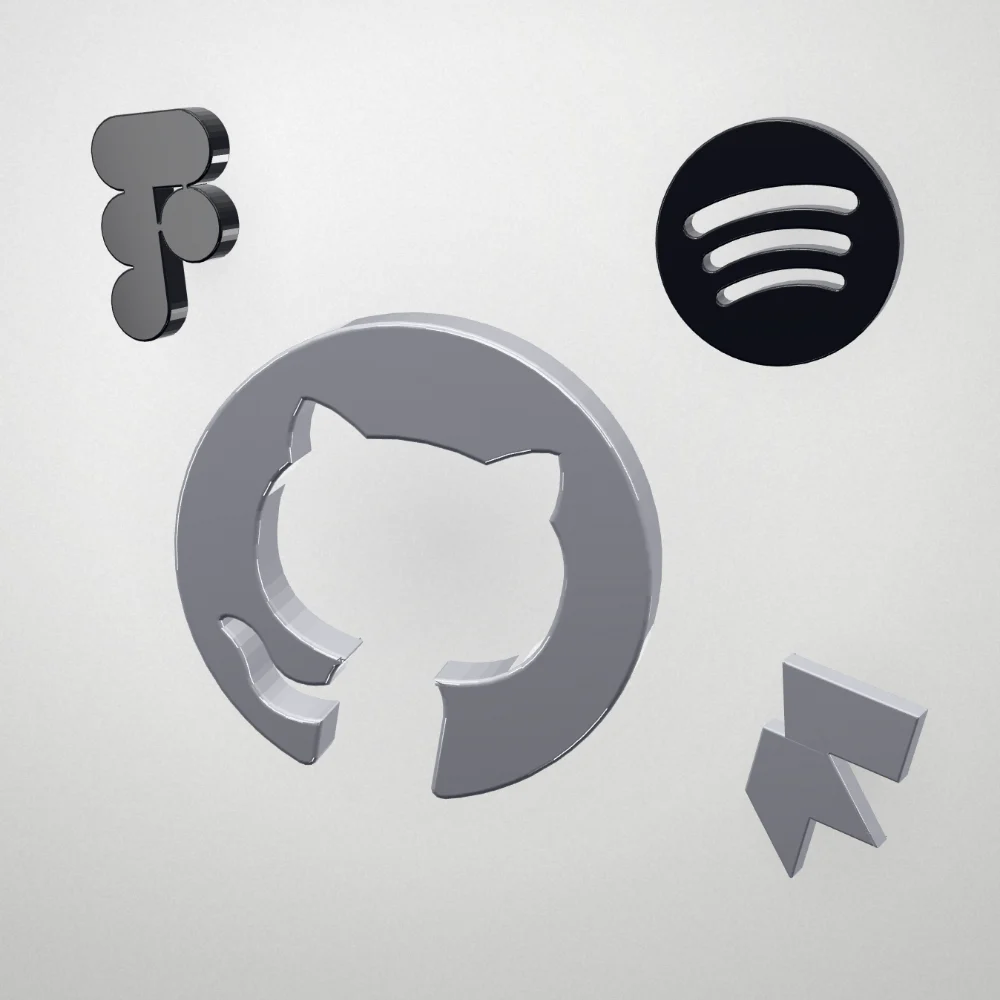
Everything you need to ship custom 3D icons for a site, an app or a deck, without opening a 3D tool.
Logos, icons, wordmarks. Every shape is found, holes kept and stray pixels ignored, so you never redraw a path.
The outline as a solid slab14 mm, 3.2 mm bevel
Extrude a crisp slab, stack brand colours in layers, inflate a soft volume, or turn artwork into relief. Pick a mode to see its cross-section.
Export GLB
Frame, switch views, spin and export without reaching for the mouse. Try F, 1 to 4 or R on this page.
GlassSapphire
Glass that refracts, metal that reflects, matte colour prints. Start from a preset, then tune IOR, roughness and tint.
Set the height and the width follows the mark. The STL prints at exactly the size you set.
A 2× PNG for Figma and slides, a GLB for three.js and React Three Fiber, an STL for the printer.
0 bytes uploaded
Tracing, modelling and rendering run on your machine. Nothing is uploaded, and there’s no account to create.
Each render came straight out of the studio at its default settings. Open one to remix it, or drop in your own mark.
 GitHubPolished chrome
 FigmaHolographic glass
 SpotifyEmerald glass
 DiscordSapphire glass
 AppleBrushed aluminium
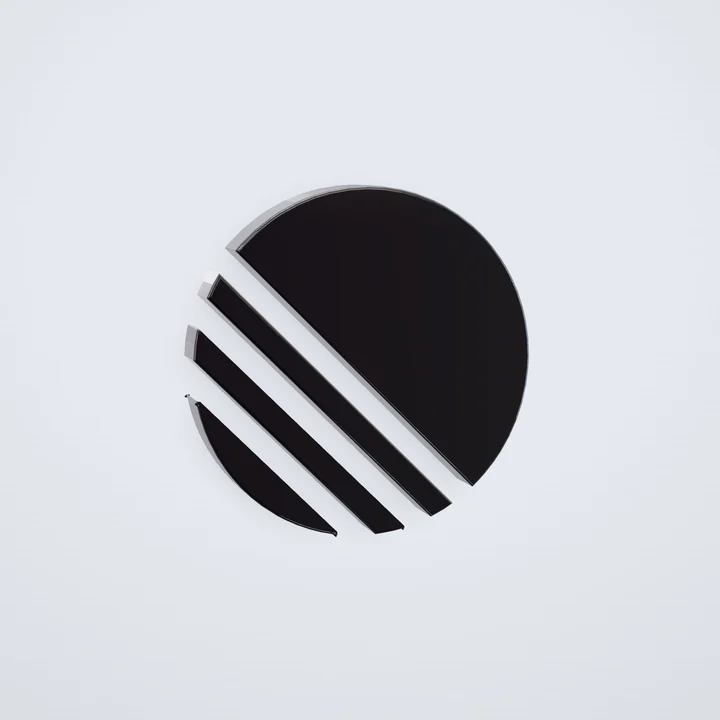 LinearObsidian glass
Logos belong to their owners and appear only to show what Vitrum can do. Vitrum isn’t affiliated with these brands.
Free, no account, nothing to install
Drop in your SVG, pick a finish, export.
The short answers. The studio explains the rest as you go.
No. Drop in a logo or icon, pick a finish and turn it to the angle you want. Vitrum builds the geometry for you. Depth, bevel, lighting and material stay adjustable if you want to go further.
SVG, PNG, JPG and WebP. A mark with a clear silhouette gives the cleanest result. A transparent background helps but isn’t required: Vitrum detects the shape either way.
Yes. The GLB is a standard glTF binary with physically based materials, sized in metres, so it loads in three.js, React Three Fiber, Spline, Blender and most 3D tools.
Everything you export is yours to use. Only upload artwork you own or have permission to use, and check a brand’s guidelines before rendering its logo.
No. Tracing, modelling and rendering all run in your browser. Nothing is uploaded, and there’s no account to create.